A Laravel deployment is ready when the application can serve real users, background work continues correctly and the team can detect and recover from failures. Uploading files is only one part of that process. Build a release procedure that covers code, configuration, data and operations.
Prepare a repeatable release
Build dependencies and front-end assets from committed lockfiles in a controlled environment. Keep environment-specific secrets outside the repository. Use a web root that exposes the public directory rather than the application’s private files.
Disable public debug output, set appropriate writable directories and verify application configuration in staging. Laravel’s deployment documentation describes configuration and optimisation commands; choose the steps appropriate to the application and version rather than copying a script without review.
Coordinate data and long-running processes
Review migrations for locks, large-table operations and backwards compatibility. Prefer additive changes that allow old and new code to coexist during rollout. Rehearse destructive transformations and keep a tested recovery method.
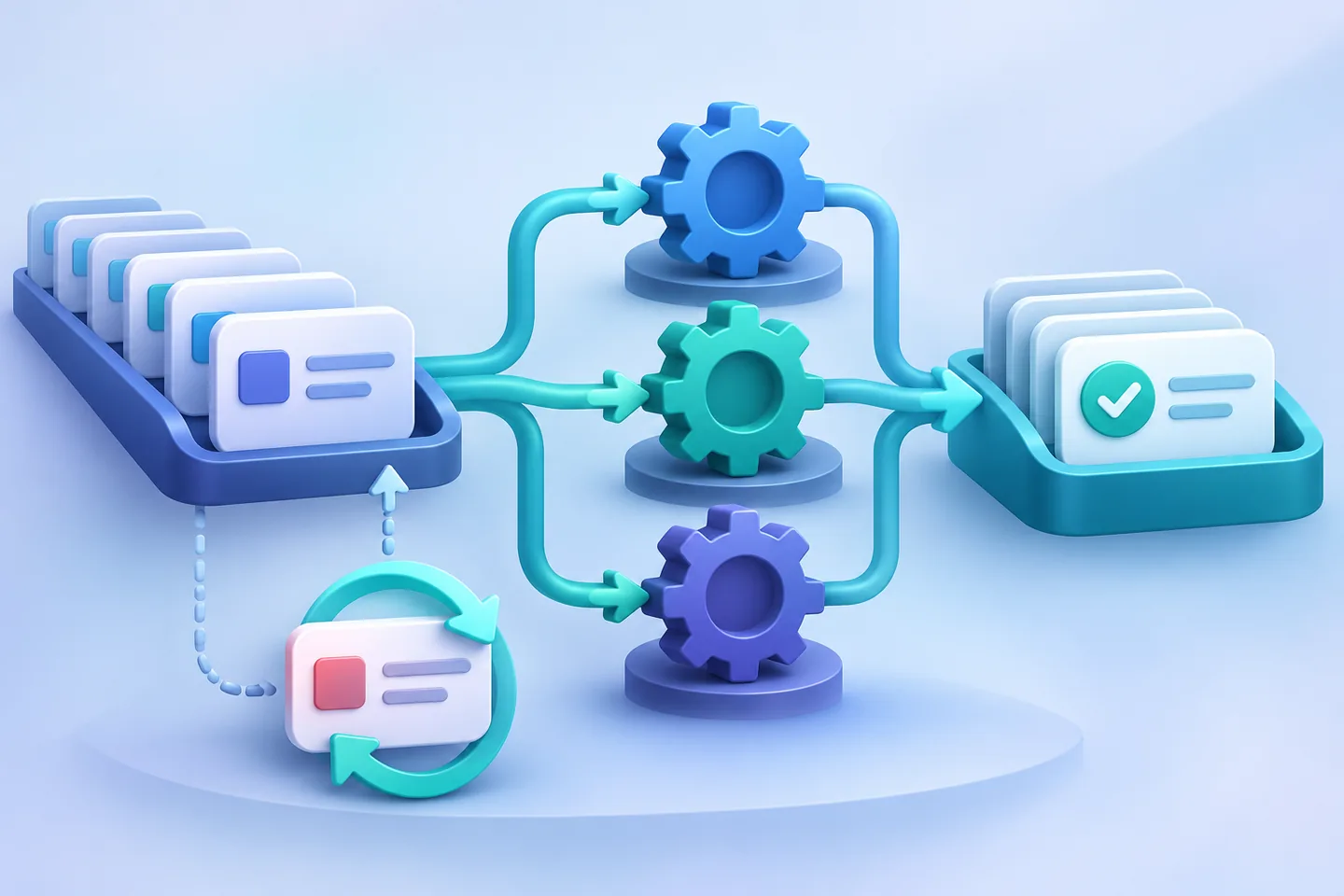
Restart queue workers after deploying code and confirm scheduled tasks run on the intended host. A successful web request can coexist with a broken scheduler, so monitor each process separately. Validate storage access and outgoing email as part of the release.
Prove recovery before opening traffic
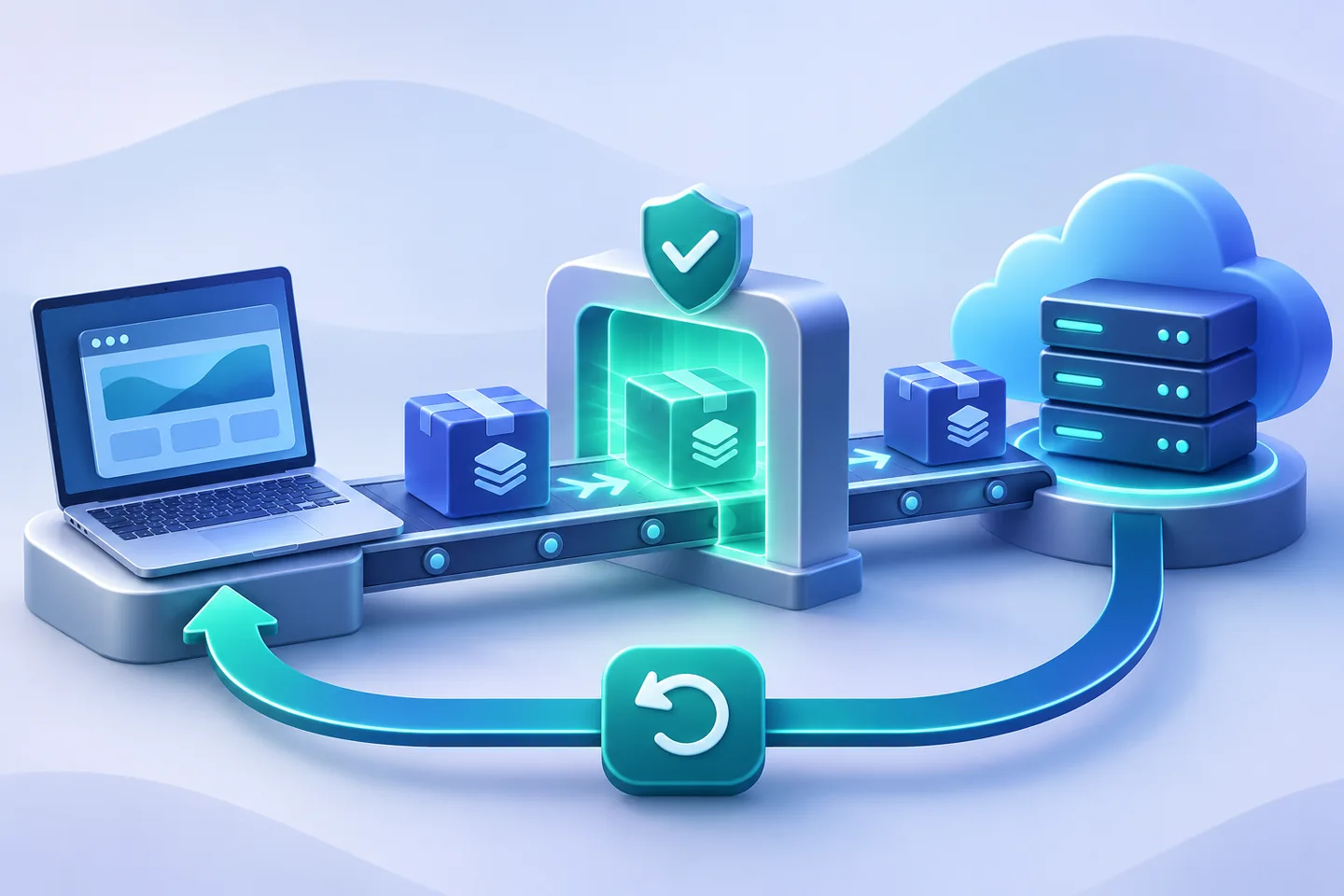
Define a health check that confirms essential dependencies without exposing sensitive details. Run smoke checks for authentication, an important read and a representative write. Watch errors, latency and queue age after the release.
Document the rollback trigger and the person responsible for the decision. If a schema change prevents old code from running, code rollback alone is insufficient. Record the deployed revision and configuration changes so the next incident starts with evidence.
Frequently asked question
Should migrations run automatically during deployment?
They can, if the changes have been reviewed and the release process handles their risks. Long-running or destructive migrations may need a separate rollout step and explicit operational coordination.
Further reading
For implementation details, consult Laravel deployment documentation. Recommendations in this article are planning guidance; validate them against your application and deployed versions.
Discuss your project
Explore our cloud and DevOps services or contact Chronex Technologies with your current workflow, integration requirements and launch priorities. A useful first conversation should identify the smallest workable release, the main risks and how success will be measured.