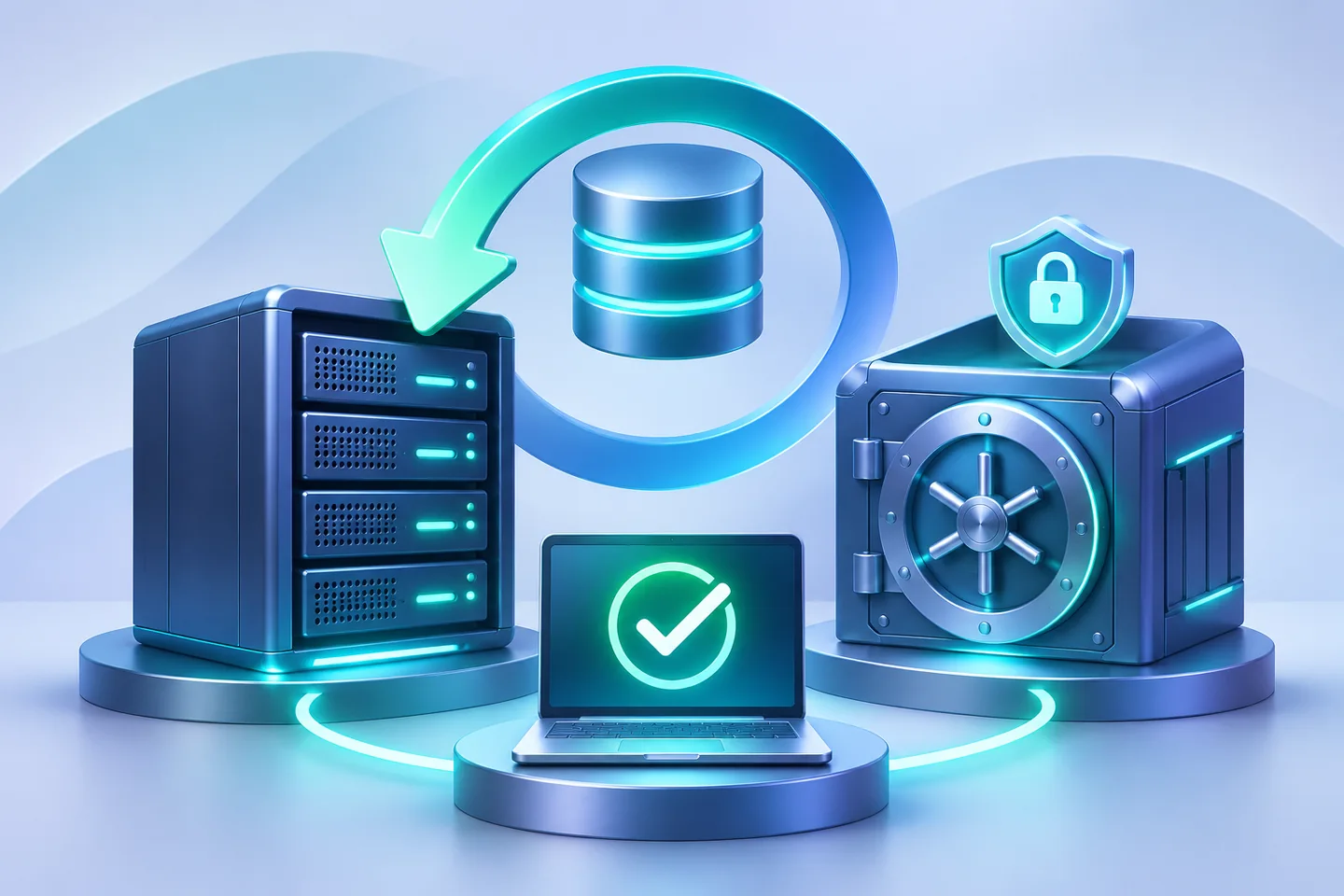
A backup is useful only if it can restore the data and services the business needs. Backup and disaster recovery planning should begin with the impact of downtime and data loss. Copying files on a schedule is not the same as proving that a complete service can return.
Agree on recovery targets
Define the acceptable data-loss window and the target time to resume essential operations. Different workloads may need different targets. An internal archive and an order-processing platform should not automatically receive the same recovery design.
Inventory databases, uploaded files, secrets, infrastructure definitions and external dependencies. Document which components must be recovered together. Restoring application code without the corresponding data or credentials may leave the service unusable.
Protect backups from the original failure
Keep appropriate separation between production access and backup administration. Consider deletion, account compromise and accidental overwrite when choosing storage and retention. Encrypt sensitive copies and define who may restore or export them.
Monitor backup completion, but also verify that expected data is present. A successful command can still back up the wrong directory or an incomplete dataset. Record retention rules and ensure expired copies are actually removed when required.
Rehearse a real restoration
Restore into an isolated environment and run business checks, not just database startup checks. Confirm that users can authenticate, attachments open and important records reconcile. Measure the whole process, including locating credentials and assigning responsibilities.
Update the runbook after each exercise. Record what depends on a particular person, machine or external account. During an incident, clear ownership and tested instructions are often as important as the storage technology chosen for backups.
Frequently asked question
How often should a restore be tested?
Choose a schedule based on business risk and system change. Test again after significant changes to data storage, deployment, backup tooling or recovery responsibilities.
Discuss your project
Explore our maintenance and support services or contact Chronex Technologies with your current workflow, integration requirements and launch priorities. A useful first conversation should identify the smallest workable release, the main risks and how success will be measured.