Offline mobile app development starts by deciding what a user can safely do without the server. Reading a downloaded work order, saving a draft and confirming a payment are different operations. Each needs a clear rule for local storage and eventual synchronisation.
Define offline permissions and data scope
Download only the records needed for the user’s current work. Keep local data retention limited and explain whether records remain available after sign-out. Sensitive content may need stronger device controls or a shorter offline window.
Distinguish a locally saved draft from a server-approved action. A technician can record notes offline, but stock allocation may require confirmation from the central system. The interface should make that distinction visible.
Make synchronisation explicit
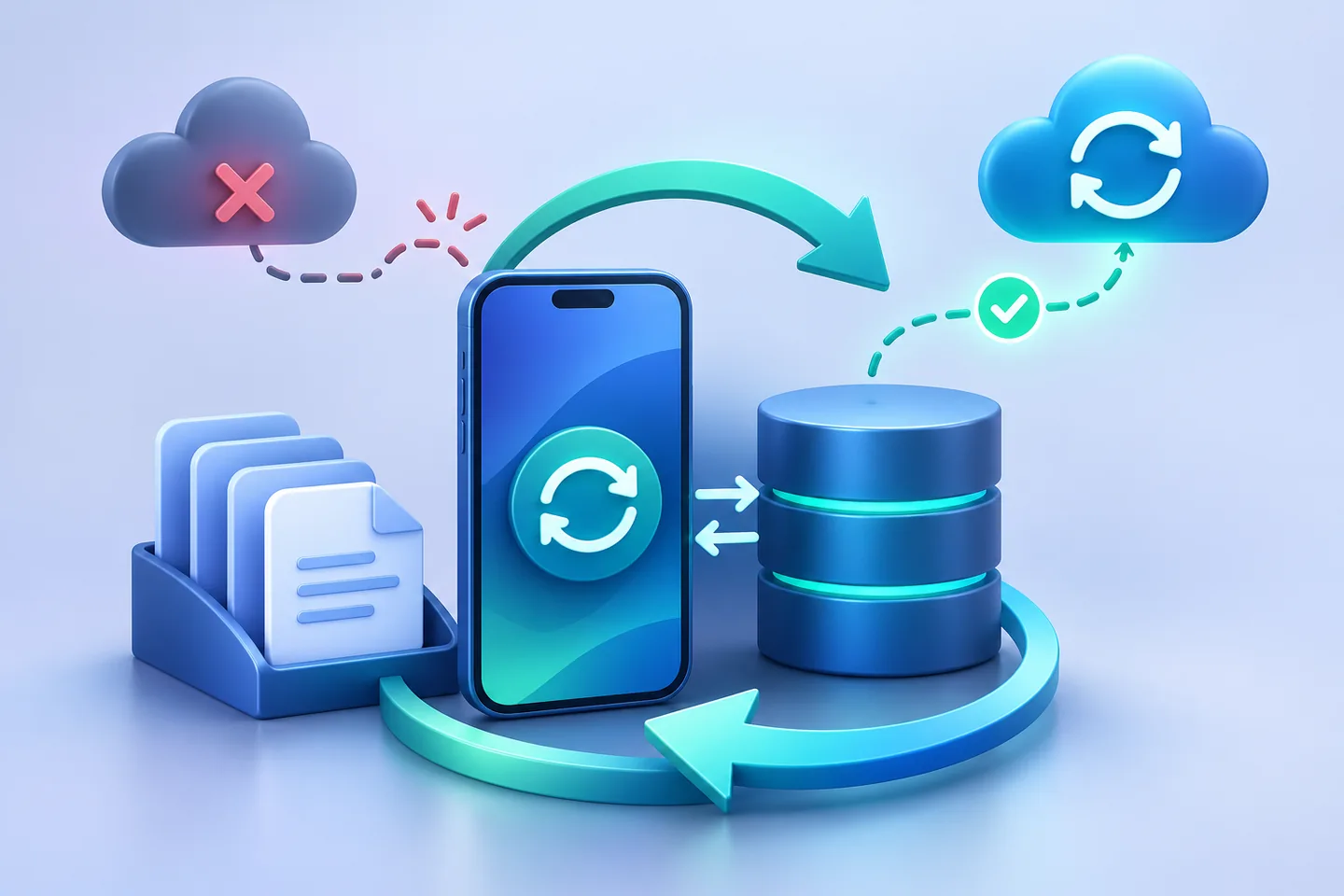
Give each pending action a stable identifier and record its state locally. Retry interrupted uploads without generating duplicate jobs. Send changes in an order that respects dependencies, such as creating a service record before attaching photos.
Show the last successful sync and the number of pending items. Avoid a generic success message when the server has not accepted the change. Let users see which record failed and whether they can correct it or must contact support.
Choose conflict rules by business meaning
If two users edit a work order, blindly accepting the last timestamp can erase useful work. Notes may be merged, while status transitions may require a server-side rule. Device clocks should not be the sole authority for business ordering.
Test airplane mode, app termination, partial uploads and a full local storage device. Reconnect after permissions have changed and confirm the app stops unauthorised actions. A dependable offline workflow includes recovery instructions, not just background retry logic.
Frequently asked question
Can every mobile feature work offline?
No. Features requiring current shared state, external authorisation or final settlement may need a connection. Explain these limits early and provide safe drafts where possible.
Discuss your project
Explore our mobile app development services or contact Chronex Technologies with your current workflow, integration requirements and launch priorities. A useful first conversation should identify the smallest workable release, the main risks and how success will be measured.