Page speed has a direct effect on your business. Slow websites rank lower in search results, frustrate visitors and lose sales, especially on mobile, where most people now browse. The good news is that a few targeted fixes usually make a big difference.
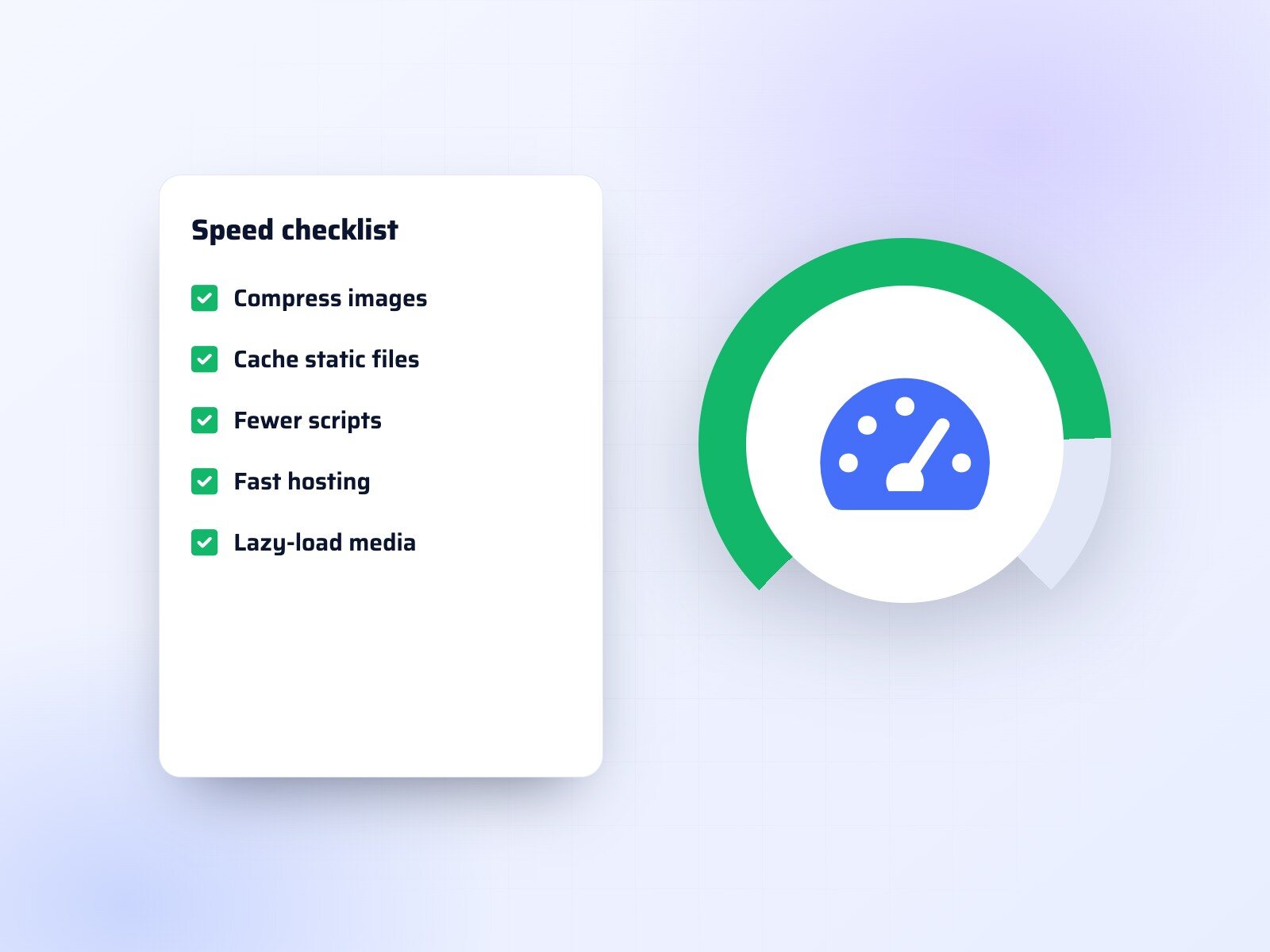
Use this checklist to find the quick wins.
Measure first
Run your key pages through Google PageSpeed Insights and note your Core Web Vitals scores. Test on a mobile connection, not just your office Wi-Fi, so you see what real visitors experience.
Optimise your images
Large images are the most common cause of slow pages. Resize them to the size they are actually shown at, compress them, use modern formats such as WebP, and lazy-load images further down the page.
Turn on caching and compression
Browser caching, server-side caching and gzip or Brotli compression can cut load times significantly with very little effort.
Remove what you don't use
Old plugins, unused scripts, forgotten tracking codes and heavy sliders all slow your site down. Every script should earn its place.
Choose good hosting and a CDN
Cheap shared hosting is often the bottleneck. A quality host and a content delivery network serve your pages quickly to visitors wherever they are.
Check fonts and third-party code
Load only the font weights you need, host fonts on your own server where possible, and review chat widgets, embeds and ad scripts that add extra requests.
Test regularly
Performance tends to slip as new content and features are added. A quick monthly check keeps your site fast, and a professional performance audit will show exactly where the time is going if you need more help.